Easy Methods to Type the Japanese Yen Symbol on Any Device



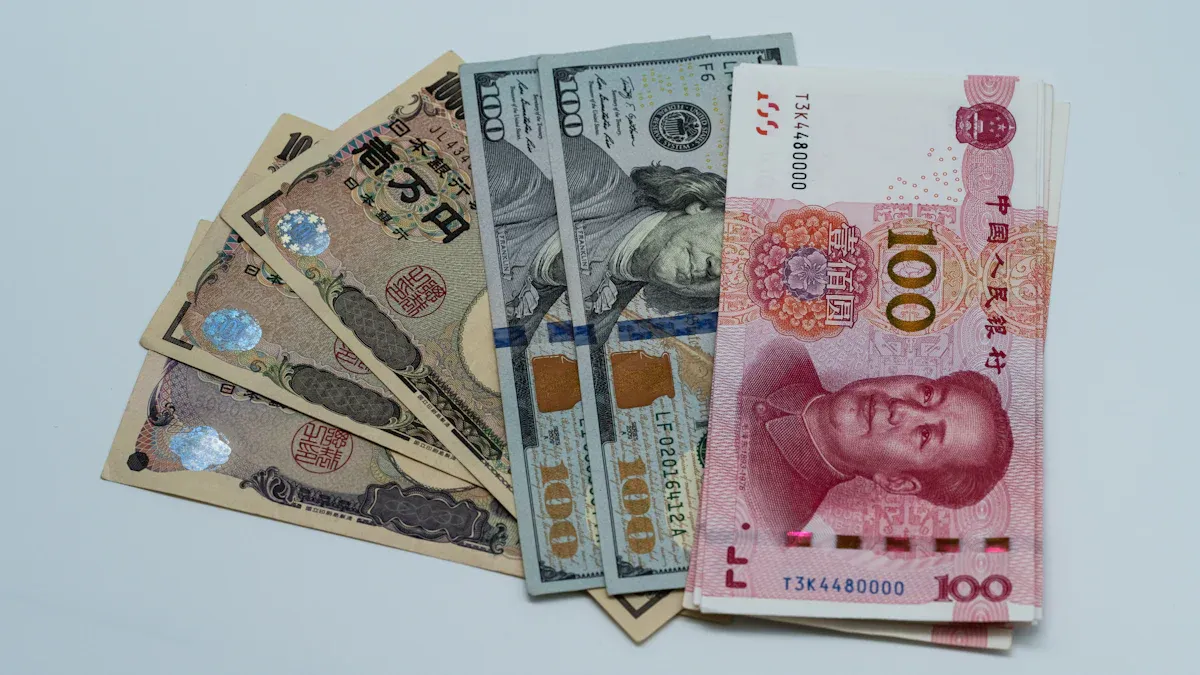
Image Source: pexels
You want to know how to type special characters like the Japanese yen symbol on any device. On a Windows pc, hold Alt and type 0165 using the numeric keypad. Mac users press Option and Y. For mobile, long-press the dollar sign to see the yen symbol. Keyboard shortcuts make this fast. If you wonder how to type special characters on different systems, check the quick reference table.
Key Takeaways
- Use simple keyboard shortcuts to type the yen symbol quickly: Alt + 0165 on Windows, Option + Y on Mac, and long-press the dollar sign on mobile devices.
- If your device lacks a numeric keypad or dedicated key, use tools like the Windows Character Map, Mac Character Viewer, or add a Japanese keyboard for easy access.
- Customize your typing experience by setting up AutoCorrect or text expansion to insert the yen symbol faster and reduce errors.
Type the Japanese Yen Symbol
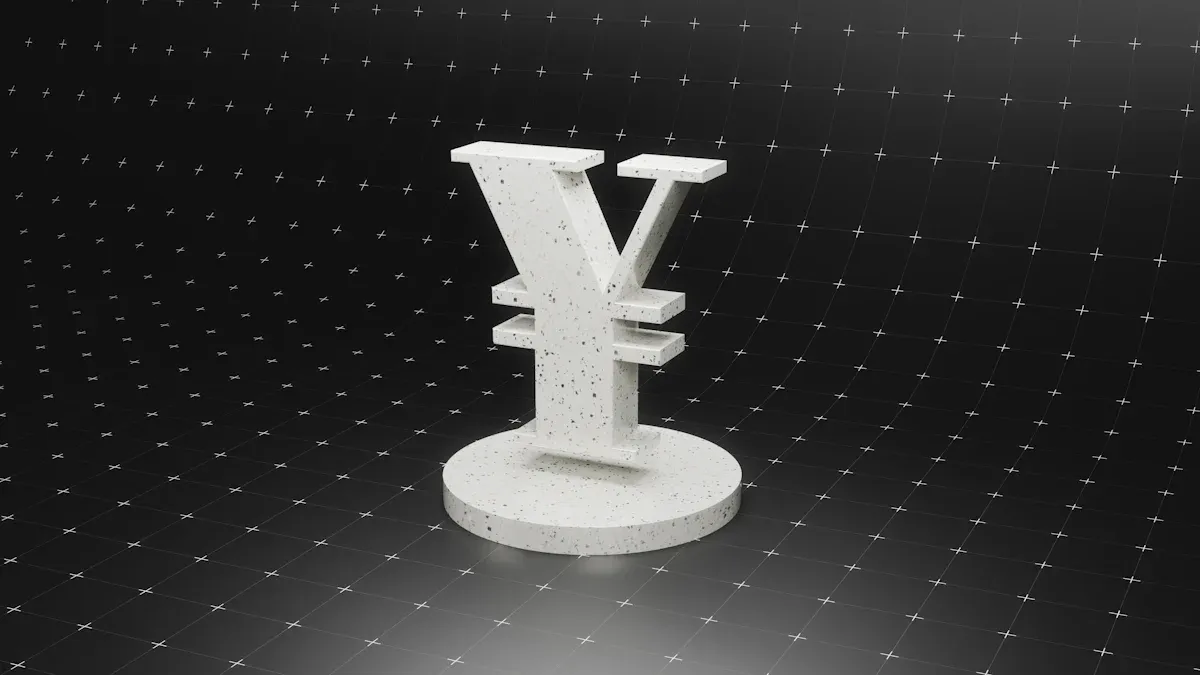
Image Source: unsplash
On Windows
You have several ways to type the Japanese yen symbol on a Windows pc. The fastest method uses a keyboard shortcut. Place your cursor where you want the symbol, then hold the alt key and type 0165 on the numeric keypad. When you release the key, the yen symbol appears. This shortcut works in most programs, including Microsoft Word and web browsers.
If you use a laptop without a numeric keypad, you might wonder how to type special characters like the yen symbol. You can open the Windows Character Map app. Search for the yen symbol, copy it, and paste it where you need it. Another option is to type 00A5 in Word or WordPad, then press Alt + X. The code will turn into the Japanese yen symbol.
Some users prefer using the Microsoft IME for Japanese input. First, add the Japanese keyboard in your Windows settings. Switch to Japanese input mode, then type “en” and press the spacebar. The IME will suggest the yen symbol. Press Enter to insert it. If you use a Japanese keyboard, you may have a dedicated key for the yen symbol next to the Enter key.
For advanced users, you can enable Unicode hex input by editing the registry. This allows you to hold Alt, press the plus sign (+), and type 00A5 to get the yen symbol. However, this method is more complex and not recommended for most people.
Tip: If you often need to type the Japanese yen symbol, you can set up an AutoCorrect entry in Word to replace a word like “yen” with the symbol automatically.
Here’s a quick table to compare methods:
| Method | How It Works |
|---|---|
| Alt Code | Hold the alt key and type 0165 on numeric keypad |
| Character Map | Copy and paste the yen symbol from the Character Map |
| Alt + X (Word/WordPad) | Type 00A5, then press Alt + X |
| Japanese IME | Type “en” in Japanese mode, press spacebar, then Enter |
| Unicode Hex Input (Advanced) | Enable in registry, then Alt + + 00A5 |
You may also use third-party tools or programmable macros if you need to type special characters on Windows frequently.
On Mac
If you use a Mac, you might ask how to type special characters on a Mac, especially the Japanese yen symbol. The easiest way is to use the keyboard shortcut Option + Y. Place your cursor where you want the symbol, press Option and Y together, and the yen symbol appears.
You can also use the Character Viewer. Go to the Edit menu and select “Emoji & Symbols.” In the search bar, type “yen” or look under “Currency Symbols.” Double-click the Japanese yen symbol to insert it into your document.
If you use a Japanese keyboard layout, you may have a dedicated yen key. However, in some apps like Terminal, pressing this key may show a backslash instead of the yen symbol. This happens because of how the system handles certain encodings. You can use tools like Karabiner-Elements to remap keys if you want more control.
Note: The standard US Mac keyboard does not have a dedicated yen key, so you must use Option + Y or the Character Viewer.
You might also wonder how to type special characters on a Mac in other ways. You can set up custom shortcuts or use the built-in AutoCorrect feature to replace a word with the yen symbol. This is helpful if you type the symbol often.
On Mobile
Typing the Japanese yen symbol on your phone is simple. On iPhone, switch to the numeric keyboard and long-press the dollar sign ($). A menu pops up with other currency symbols, including the yen. Slide your finger to the yen symbol and release to insert it.
On Android, tap the ?123 key to open the symbol keyboard. Press and hold the dollar sign ($) key. A pop-up will show several currency symbols. Move your finger to the yen symbol and let go to type it.
If you do not see the yen symbol, you can add a Japanese keyboard in your device settings. Go to Language & Input, add Japanese, and switch to it when you need the symbol. Some keyboards, like SwiftKey, will show the yen symbol on the main currency key if your region is set to Japan.
You can also copy and paste the yen symbol from a website or a note if you only need it once. This is a quick solution if you are not sure how to type special characters on your phone.
Tip: If you often work with currency, consider adding the Japanese keyboard or changing your region settings to make the yen symbol easier to access.
Quick Reference Table
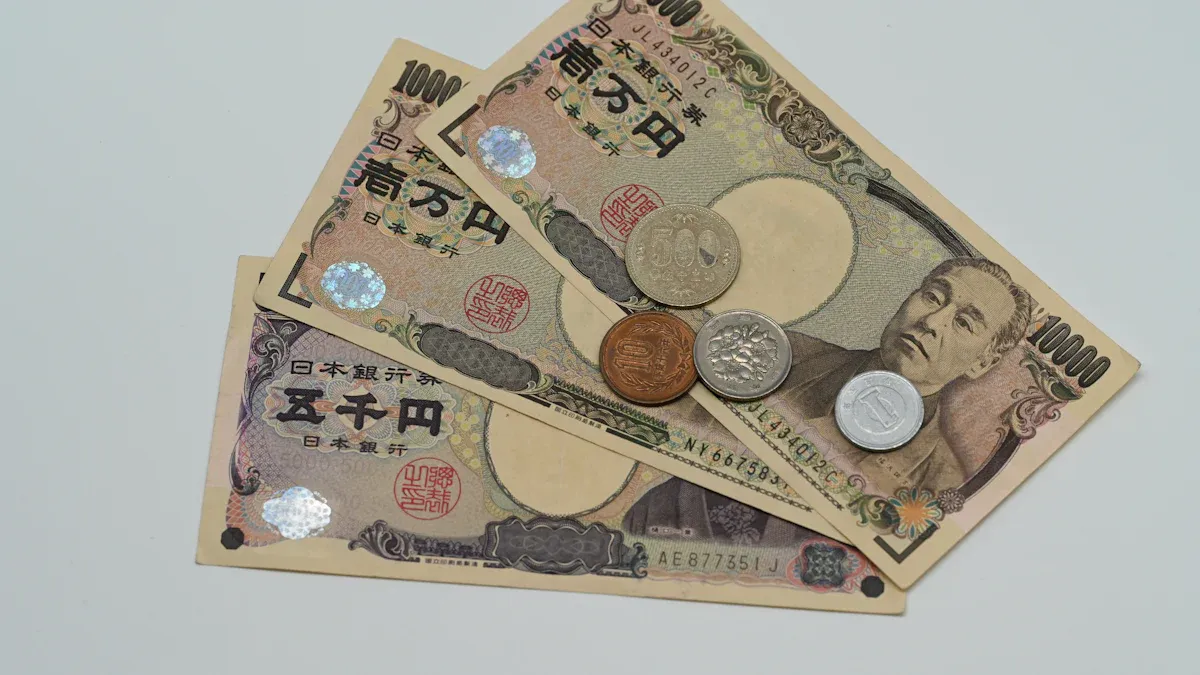
Image Source: pexels
You might not always remember every shortcut or method for typing the yen symbol. That’s where a quick reference table comes in handy. You can use this table to find the fastest way to type the Japanese yen symbol on your device. It saves you time and helps you avoid mistakes. Many people like to keep this table nearby, so they can check it whenever they need to type the symbol.
| Device | Fastest Shortcut | Other Methods | Notes |
|---|---|---|---|
| Windows | Alt + 0165 (numeric keypad) | Character Map, Alt + X (00A5), Japanese IME | Use Character Map if no numeric keypad |
| Mac | Option + Y | Character Viewer, Japanese keyboard | Character Viewer in Edit > Emoji & Symbols |
| iPhone | Long-press $ on numeric keyboard | Add Japanese keyboard, copy-paste | Region settings may affect symbol location |
| Android | Long-press $ on symbol keyboard | Add Japanese keyboard, copy-paste | SwiftKey shows yen if region is Japan |
You can make this table your own. Add new shortcuts or notes as you find better ways to type the yen symbol. Some people set up auto-correct or text expansion tools for even faster typing. If you practice these shortcuts, you will get quicker and more accurate every time you use them.
- A quick reference table gives you a simple guide for how to type special characters like the Japanese yen symbol.
- Customizing your shortcuts and practicing them helps you type the yen symbol faster and with fewer errors.
You now know the quickest ways to type the Japanese yen symbol. Here’s a handy table for reference:
| Platform | Shortcut/Method |
|---|---|
| Windows | Alt + 0165 |
| Mac | Option + Y |
| Mobile | Hold currency key, select ¥ |
Some users confuse the yen symbol with the backslash. If you have questions or tips, leave a comment below. Bookmark this guide for easy access later!
FAQ
How do you type the Japanese yen symbol if your keyboard does not have a numeric keypad?
You can use the Windows Character Map. Copy the yen symbol from there and paste it where you need it.
Why does the yen symbol sometimes look like a backslash on my screen?
Some fonts or keyboard settings show the yen symbol as a backslash. You can change your font or keyboard layout to fix this.
Can you use the yen symbol in Excel or Google Sheets?
Yes, you can. Use the same shortcuts or copy and paste the symbol. It works in both Excel and Google Sheets.
Typing the yen symbol on your device is useful, but managing real international payments requires more than keyboard shortcuts. To save on fees and gain transparency, you need the right payment solution.
With BiyaPay, you can:
- Enjoy remittance fees as low as 0.5%
- Access transparent real-time exchange rates
- Convert freely between multiple fiat and digital currencies
- Send money to most countries and regions worldwide
- Benefit from same-day transfers for many transactions
Whether you’re a freelancer, student, or business owner, BiyaPay helps you keep more of your money where it belongs. Start today with BiyaPay and simplify your global payments.
*This article is provided for general information purposes and does not constitute legal, tax or other professional advice from BiyaPay or its subsidiaries and its affiliates, and it is not intended as a substitute for obtaining advice from a financial advisor or any other professional.
We make no representations, warranties or warranties, express or implied, as to the accuracy, completeness or timeliness of the contents of this publication.
Related Blogs of

Want to Invest in the Chinese Stock Market? Start by Understanding the Shanghai Composite Index


The Relationship Between Fed Rate Cuts and New York Stock Market Fluctuations Is No Longer a Simple Cause-and-Effect


What Does Price-to-Earnings Ratio (PE) Mean? Master It to Navigate the Chinese Stock Market


2026 China Stock Market Investment Guide: Spotlight on 5 Must-Watch Leading Tech Stocks

Choose Country or Region to Read Local Blog
 Australia
 Austria
 Belgium
 Canada
 Cyprus
 Czech Republic
 Denmark
 Estonia
 Finland
 France
 Germany
 Greece
 Hong Kong
 India
India Indonesia
 Ireland
 Italy
Italy Japan
Japan Latvia
 Lithuania
 Luxembourg
 Malaysia
 Malta
Malta Morocco
 Nepal
Nepal Netherlands
 New Zealand
 Norway
 Pakistan
 Philippines
 Poland
 Portugal
 Romania
 Singapore
 Slovakia
 Slovenia
 South Africa
 South Korea
 Spain
Spain Sweden
 Thailand
 The United States
 Turkey
 United Arab Emirates
 United Kingdom
 Vietnam
Contact Us




BIYA GLOBAL LLC is a licensed entity registered with the U.S. Securities and Exchange Commission (SEC No.: 802-127417); a certified member of the Financial Industry Regulatory Authority (FINRA) (Central Registration Depository CRD No.: 325027); regulated by the Financial Industry Regulatory Authority (FINRA) and the U.S. Securities and Exchange Commission (SEC).
BIYA GLOBAL LLC is registered with the Financial Crimes Enforcement Network (FinCEN), an agency under the U.S. Department of the Treasury, as a Money Services Business (MSB), with registration number 31000218637349, and regulated by the Financial Crimes Enforcement Network (FinCEN).
BIYA GLOBAL LIMITED is a registered Financial Service Provider (FSP) in New Zealand, with registration number FSP1007221, and is also a registered member of the Financial Services Complaints Limited (FSCL), an independent dispute resolution scheme in New Zealand.